Table of Contents
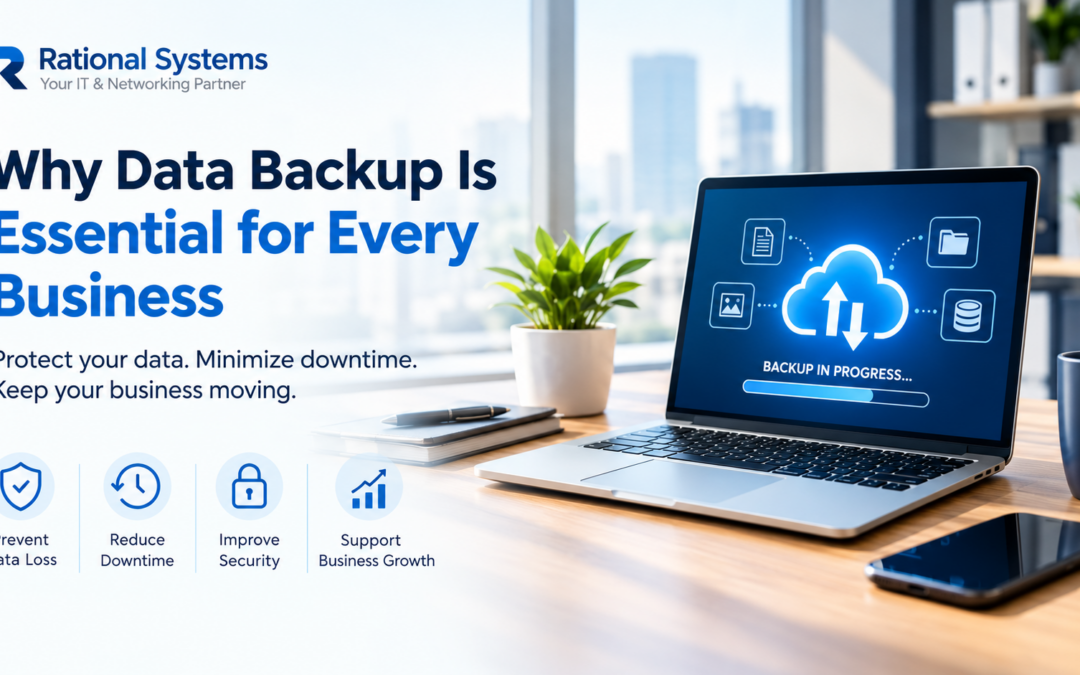
What would happen if your business lost access to its important files tomorrow? Hardware failure, accidental deletion, cyberattacks, or unexpected damage to office equipment can put critical business data at risk.
Choosing the right backup strategy helps protect customer records, financial documents, project files, and other essential information. But when comparing cloud backup vs local backup, which option should your business choose?
The answer depends on your budget, security requirements, internet connectivity, recovery needs, and the amount of data you manage. For businesses in Delhi NCR and across India, understanding both options can help you make a more informed decision.
What Is Cloud Backup?
Cloud backup stores copies of your data on remote infrastructure managed by a cloud provider. Your business can access or restore backed-up information over the internet, subject to your provider’s services and configuration.
Benefits of Cloud Backup
- Off-site protection: Backups remain separate from your office, helping protect against local incidents such as fire, theft, or equipment damage.
- Flexible capacity: Storage can often be increased as your business grows.
- Remote recovery: Authorised users can restore data from different locations when connectivity and access permissions allow.
- Reduced local hardware requirements: You may not need to purchase and maintain all backup storage equipment yourself.
Things to consider: Cloud backup requires a dependable internet connection for many operations. Costs can include recurring subscriptions, storage, data transfer, and recovery charges. You should also review encryption, access controls, data location, retention policies, and recovery options.
What Is Local Backup?
Local backup stores copies of business data on equipment at your premises or within your organisation’s own infrastructure. Examples include external hard drives, network-attached storage (NAS), and dedicated backup servers.
Benefits of Local Backup
- Fast access: Restoring files over a local network can be quicker, particularly for large data sets.
- Greater direct control: Your business can manage its storage hardware, backup schedules, and retention policies.
- No cloud dependency for local restores: Access to locally stored backups may continue during an internet outage.
- Predictable hardware ownership: After the initial purchase, costs depend on maintenance, replacement, electricity, and storage requirements.
Things to consider: Local backups can be affected by theft, fire, hardware failure, or ransomware if they remain connected and accessible to compromised systems. They also require ongoing maintenance and periodic checks.
Cloud Backup vs Local Backup: Key Differences
| Factor | Cloud Backup | Local Backup |
|---|---|---|
| Storage location | Remote provider infrastructure | Your premises or organisation’s infrastructure |
| Initial hardware cost | Often lower | May require upfront investment |
| Ongoing costs | Usually recurring service charges | Maintenance and equipment replacement |
| Recovery speed | Depends on internet speed and provider | Often faster for large local restores |
| Protection from office damage | Off-site copies can help | On-site copies remain vulnerable |
| Internet dependency | Usually important | Not required for local restoration |
Neither option is automatically more secure. Security depends on how the solution is configured, monitored, and maintained.
Which Backup Option Should Your Business Choose?
The right choice depends on your operational needs.
- Choose cloud backup if you need off-site copies, flexible capacity, and remote recovery options.
- Choose local backup if fast restoration, direct control, and access during internet outages are priorities.
- Consider both if you want the speed of local recovery alongside protection from incidents affecting your office.
For many businesses, a hybrid approach provides a practical balance. Keep local backups for convenient recovery and separate off-site backups for additional protection.
Whichever option you choose, automate backups, restrict access, maintain protected or immutable copies where possible, and test data restoration regularly. A backup that cannot be restored when needed may not meet your business requirements.
Protect Your Business Data with Rational Systems
Comparing cloud backup vs local backup is an important step towards building a reliable data protection strategy. The best solution should fit your business size, budget, security needs, and recovery expectations.
Rational Systems helps businesses explore IT infrastructure and data protection solutions suited to their operational requirements.
Contact Rational Systems to discuss your backup needs and identify an approach that helps protect important business information and support continuity.
Plan your backups before an unexpected data loss puts your business at risk.