Table of Contents
Your business email, cloud storage, accounting software, and customer management systems contain valuable information. If an unauthorised person gains access to even one account, it can put sensitive data and everyday operations at risk.
A weak password or reused login credential can make it easier for attackers to access business systems. That is why strong passwords and business multi-factor authentication are essential parts of a practical cybersecurity strategy.
For businesses across Delhi NCR and India, combining these two security measures can help protect accounts, employees, and important company information.
Why Strong Passwords Matter for Business Security
Passwords are often the first line of defence protecting business accounts. However, short, predictable, or reused passwords can expose organisations to avoidable risks.
Employees sometimes use familiar words, personal details, or the same password across several platforms. If one service experiences a data breach, reused credentials may put other accounts at risk as well.
Best Practices for Creating Strong Passwords
Businesses should encourage employees to:
- Use long, unique passwords: Create a different password for every important account.
- Use a password manager: A trusted password manager can help employees generate and securely store complex passwords.
- Avoid predictable information: Names, birthdays, company names, and common phrases are easier to guess.
- Change compromised passwords promptly: If credentials are exposed or suspected of being stolen, reset them immediately and investigate the incident.
Avoid relying on frequent password changes alone. Prioritise unique passwords, secure storage, and immediate changes when compromise is suspected.
What Is Business Multi-Factor Authentication?
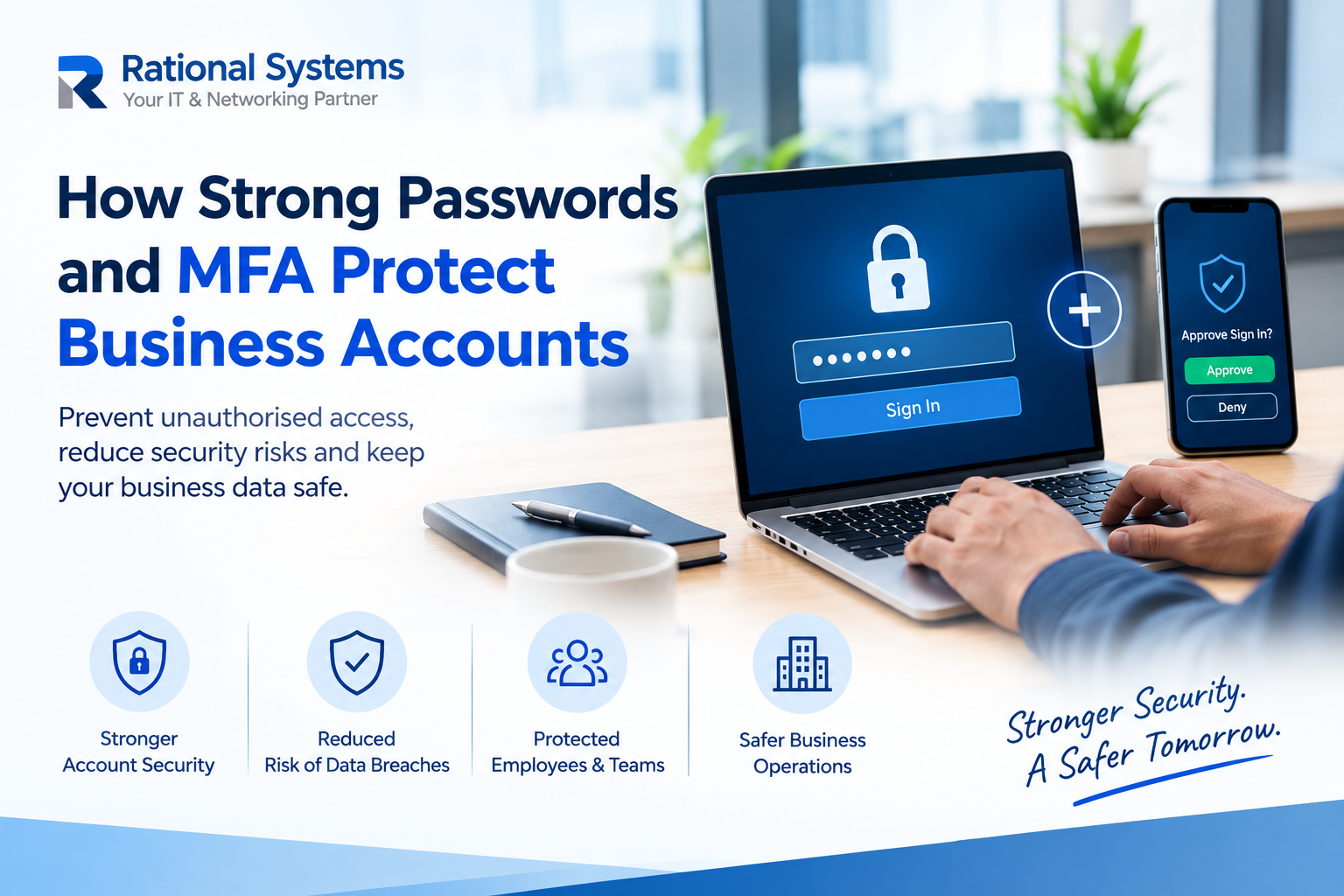
Multi-factor authentication (MFA) adds another verification step when someone signs in. Instead of relying only on a password, the user must provide an additional factor to confirm their identity.
Depending on the system, this might involve an authenticator app, a security key, a passkey, or an approved verification prompt.
How MFA Adds an Extra Layer of Protection
Even if an attacker obtains a password, MFA can make unauthorised access more difficult because the password alone may not be sufficient to sign in.
For stronger protection, businesses should prefer phishing-resistant options, such as passkeys or security keys, wherever supported. SMS-based codes can still be useful when stronger methods are unavailable, but they are more vulnerable to certain attacks.
5 Practical Ways to Improve Account Security
1. Enable MFA on Important Accounts
Start with business email, administrator accounts, cloud platforms, financial systems, and remote-access tools.
2. Secure Administrator Access
Limit administrative permissions to people who genuinely need them. Use separate administrator accounts and require MFA for privileged access.
3. Train Employees to Recognise Phishing
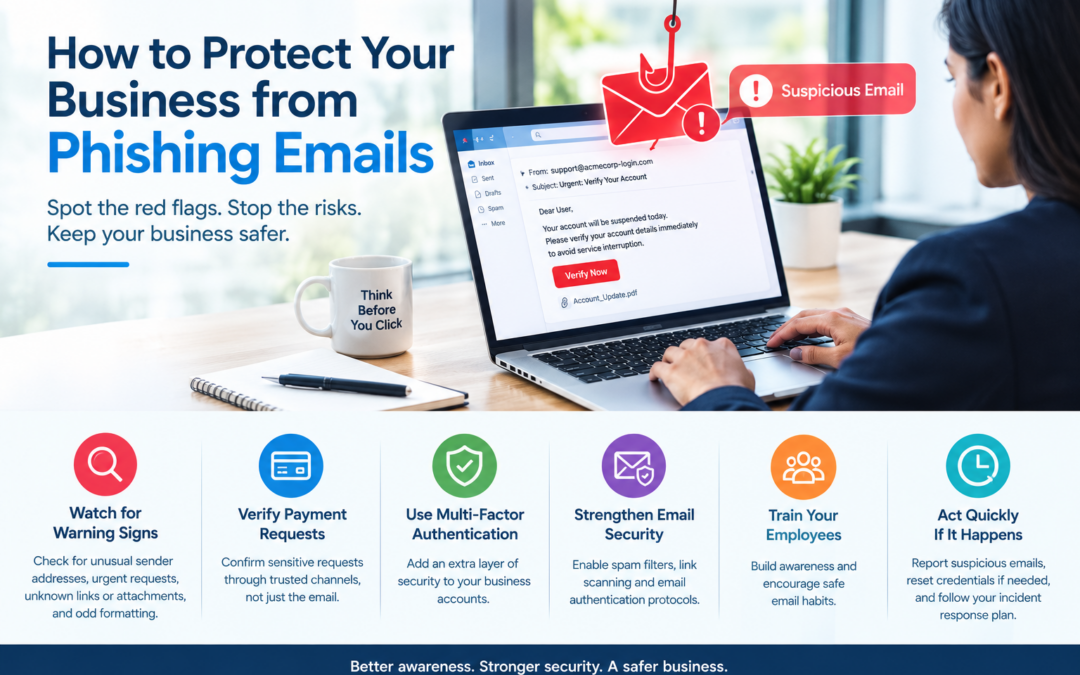
Attackers may trick employees into revealing passwords or approving fraudulent login requests. Teach staff to verify unexpected requests and never share authentication codes.
4. Review Access Regularly
Remove accounts when employees leave and update permissions when responsibilities change. Review unfamiliar sign-ins and authentication activity where monitoring is available.
5. Establish Clear Security Policies
Create simple guidelines for password managers, MFA enrolment, lost devices, account recovery, and reporting suspicious activity.
Strengthen Your Business Account Security with Rational Systems
Strong passwords and business multi-factor authentication work best when supported by clear policies, employee awareness, and regular security reviews.
For businesses in Delhi NCR and across India, improving account security is a practical step towards protecting company data and maintaining reliable operations.
Rational Systems helps businesses explore IT support and security solutions suited to their technology needs. Contact our team to discuss ways to strengthen your business account protection.
Protect your accounts today to help reduce security risks tomorrow.