Table of Contents
A modern business network needs to do much more than provide internet access. It needs to keep users connected, protect business data, separate different types of devices, support remote workers, and provide visibility into what is happening on the network.
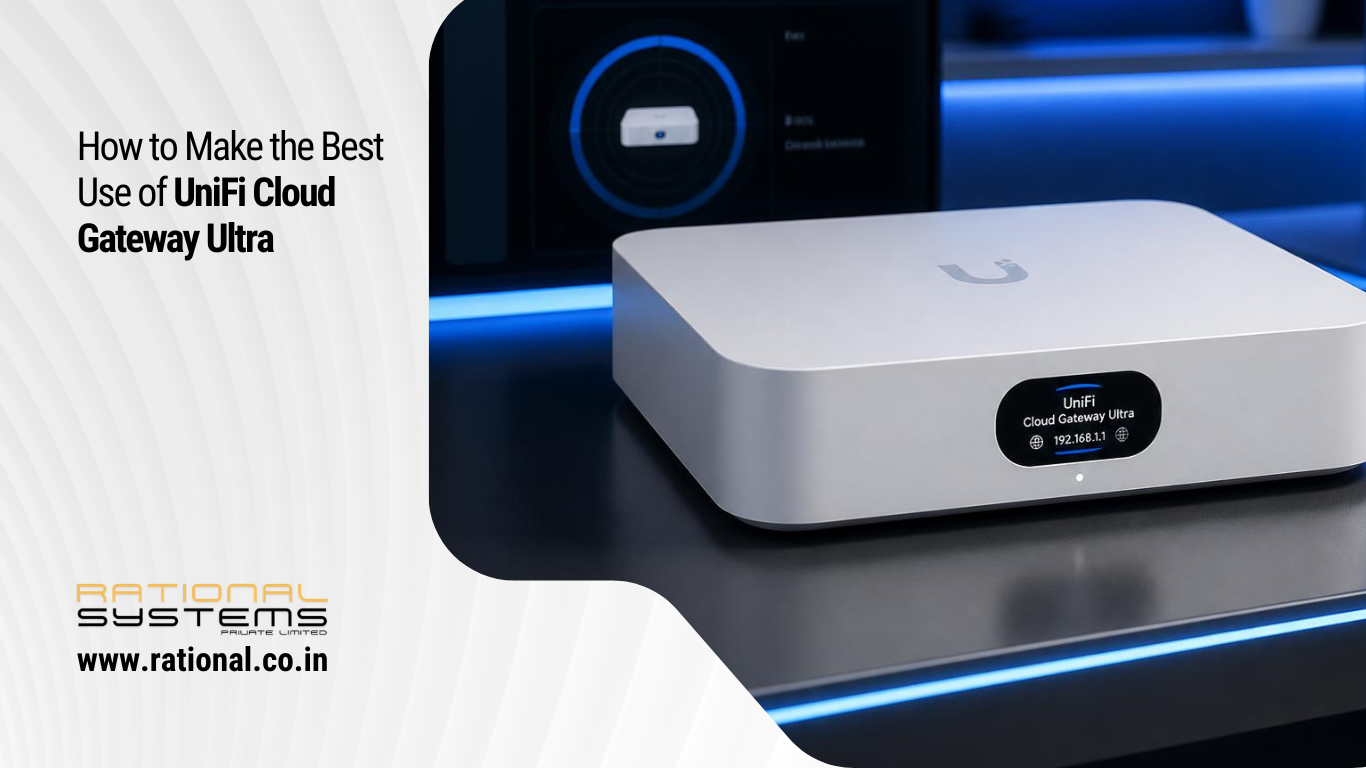
The UniFi Cloud Gateway Ultra (UCG-Ultra) from Ubiquiti brings many of these capabilities into a compact gateway designed for small and medium-sized UniFi deployments. It supports 30+ UniFi devices and 300+ connected clients, with up to 1 Gbps IDS/IPS throughput according to Ubiquiti’s specifications.
But simply installing the gateway is not enough. The real value comes from configuring it correctly.
In this guide, we look at some of the best ways businesses can make use of the UniFi Gateway Ultra.
1. Create Separate Networks Using VLANs
One of the most useful features of a UniFi Gateway is the ability to create separate virtual networks or VLANs.
Instead of putting every device on one flat network, a business can create separate networks for:
- Employees
- Guest Wi-Fi
- Management devices
- Servers
- CCTV cameras
- IoT devices
- VoIP phones
- Printers
- Network infrastructure
For example:
Corporate Network → 192.168.10.x
Guest Network → 192.168.20.x
CCTV Network → 192.168.30.x
IoT Network → 192.168.40.x
This makes it much easier to control which devices can communicate with each other.
Ubiquiti recommends VLAN segmentation as a way to improve security, performance and traffic management.
Why this matters
A CCTV camera generally does not need access to employee computers. A guest using Wi-Fi should not be able to access company file servers. IoT devices should not automatically have unrestricted access to business systems.
Separating these devices into VLANs provides a much better foundation for network security.
2. Use Firewall Policies to Control Inter-VLAN Traffic
Creating VLANs is only the first step.
The next step is deciding which networks should be allowed to communicate.
For example:
Guest → Internet: Allow
Guest → Corporate: Block
IoT → Corporate: Block
CCTV → Internet: Restrict where appropriate
Employees → Servers: Allow
Management → Network Devices: Allow
UniFi’s policy engine and zone-based firewall capabilities allow administrators to create rules controlling traffic between networks, VPNs and the internet.
The objective should not be to create hundreds of complicated rules. Instead, design a clear network structure first and then apply simple policies based on business requirements.
3. Create a Proper Guest Wi-Fi Network
Guest Wi-Fi should be treated differently from employee Wi-Fi.
With the Gateway Ultra, businesses can create a dedicated Guest VLAN and connect it to a separate SSID on UniFi Access Points.
A typical setup could be:
Company Wi-Fi → Corporate VLAN
Guest Wi-Fi → Guest VLAN
The guest network can then be prevented from accessing internal business resources while still providing internet access.
This is particularly useful for:
- Offices
- Clinics
- Hotels
- Restaurants
- Showrooms
- Professional offices
- Co-working spaces
UniFi Access Points can associate individual SSIDs with specific VLANs, allowing wireless users to be placed automatically into the appropriate network.
4. Isolate CCTV and IoT Devices
Many businesses now have dozens of connected devices.
Examples include:
- IP cameras
- Smart TVs
- Door access systems
- Printers
- Smart displays
- Sensors
- Building-management devices
- IoT equipment
Putting these devices on the same network as employee computers is usually unnecessary.
Create a dedicated IoT VLAN or CCTV VLAN instead.
For example:
CCTV VLAN
- Cameras can communicate with the NVR
- Cameras cannot access employee computers
- Internet access can be restricted
IoT VLAN
- IoT devices can access required services
- Access to corporate systems can be blocked
- Internet access can be controlled
This approach reduces the potential impact if an individual IoT device is compromised.
5. Enable IDS/IPS for Better Network Security
The Gateway Ultra supports Intrusion Detection and Prevention.
IDS monitors network activity and identifies suspicious traffic, while IPS can take action to block detected threats.
For a business network, this provides an additional security layer between the internal network and the internet.
Administrators should regularly review security detections rather than simply enabling IPS and forgetting about it.
Look for:
- Repeated attack attempts
- Suspicious outbound connections
- Compromised devices
- Unexpected network activity
- Repeated blocked traffic
The Gateway Ultra is rated for up to 1 Gbps IDS/IPS throughput, making it particularly suitable for many small and medium-sized business environments.
6. Use Traffic Identification to Understand Network Usage
A business may have a fast internet connection but still experience slow performance.
The question is: Where is the bandwidth going?
UniFi’s traffic and device identification capabilities can help administrators understand which applications, devices and traffic types are using network resources.
For example, you may discover that:
- A single PC is uploading large amounts of data
- Cloud backup is consuming bandwidth during office hours
- Video streaming is affecting internet performance
- A particular application is using significant bandwidth
- An unknown device is generating unusual traffic
This information can then be used to create appropriate traffic-management policies.
7. Use QoS to Prioritize Business-Critical Traffic
Not all traffic has the same importance.
A Microsoft Teams call, VoIP call or important business application may need better treatment than a large file download or entertainment traffic.
UniFi provides QoS and traffic-shaping capabilities that can be applied at the gateway.
For example, a business could prioritize:
- VoIP
- Video conferencing
- Business applications
- Remote desktop traffic
- General internet browsing
Large downloads and non-business traffic can be managed separately.
The goal isn’t simply to make the internet faster. It is to make sure important business traffic remains usable when the connection is busy.
8. Take Advantage of Multi-WAN
Businesses that depend heavily on internet connectivity may benefit from having two internet connections.
For example:
WAN 1 → Primary Fiber
WAN 2 → Secondary Fiber / Broadband / 5G
The Gateway Ultra supports multi-WAN load balancing.
This can provide additional resilience if the primary internet connection fails.
For businesses that rely on cloud applications, VoIP, Microsoft 365, remote access and online services, internet connectivity can be critical to daily operations.
A secondary connection can therefore become an important part of a business continuity strategy.
9. Use Policy-Based Routing Where Appropriate
Not every device needs to use the same internet or VPN path.
UniFi supports policy-based routing, allowing selected traffic to be directed through a specific WAN interface or VPN tunnel.
For example:
- Video conferencing → Primary WAN
- Guest traffic → Secondary WAN
- Specific business traffic → VPN
- Selected devices → VPN tunnel
- Backup traffic → Secondary connection
This gives network administrators greater control over how traffic moves through the network.
10. Set Up Secure Remote Access
Modern businesses increasingly have employees working from home, travelling or working from multiple locations.
UniFi gateways support VPN Server, VPN Client and Site-to-Site VPN functionality. The Gateway Ultra supports technologies including WireGuard, OpenVPN, L2TP and IPsec, as well as UniFi’s Teleport and Site Magic capabilities.
This can be useful for:
- Remote employees
- IT administrators
- Accessing internal systems
- Connecting branch offices
- Connecting remote locations
- Secure access to business resources
VPN access should always be configured according to the organization’s security requirements, with appropriate authentication and access restrictions.
11. Apply Content and Domain Filtering
Businesses may also want to control access to certain websites and online services.
UniFi provides content and domain filtering that can be applied to specific networks or individual client devices.
For example, organizations can use filtering to help restrict:
- Malicious websites
- Explicit content
- Unwanted domains
- Certain categories of websites
Filtering policies can be applied differently to different networks.
For example:
Corporate VLAN → Business-focused policy
Guest VLAN → More restrictive policy
Kids/Visitor network → Appropriate content filtering
This allows businesses to apply policies based on the purpose of each network.
12. Monitor the Network Regularly
One of the biggest mistakes businesses make is configuring a gateway once and then never reviewing it.
A good UniFi deployment should be monitored regularly.
Check:
- Connected clients
- WAN usage
- Network performance
- Security detections
- Internet outages
- VLAN activity
- Unusual traffic
- Device health
- Firmware updates
- Configuration changes
The objective is to identify problems before users start complaining.
13. Keep the Network Architecture Simple
More configuration does not necessarily mean a better network.
A good business network should have a clear structure.
For example:
Network 1 – Corporate
Employees and business computers.
Network 2 – Guest
Visitors and temporary users.
Network 3 – IoT
Smart devices and building systems.
Network 4 – CCTV
Security cameras and surveillance equipment.
Network 5 – Management
Network administration and infrastructure devices.
Then create firewall and traffic policies based on the actual business requirements.
This is generally easier to maintain than creating unnecessary VLANs and complicated firewall rules.
Example UniFi Gateway Ultra Business Deployment
A small office could use the Gateway Ultra as follows:
Internet
↓
UniFi Cloud Gateway Ultra
↓
UniFi Switch
↓
UniFi Access Points
↓
Corporate Wi-Fi | Guest Wi-Fi | IoT | CCTV
The Gateway becomes the central point for:
- Routing
- Firewall
- VLANs
- DHCP
- Internet security
- VPN
- Traffic management
- WAN management
- Network monitoring
This creates a unified network environment that can be managed from the UniFi platform.
10 Best Practices for UniFi Gateway Ultra
If you are deploying a Gateway Ultra for a business, consider these ten recommendations:
- Create VLANs for different device categories.
- Separate guest traffic from corporate systems.
- Isolate IoT and CCTV devices where appropriate.
- Enable and monitor IDS/IPS.
- Review traffic identification reports.
- Use QoS for business-critical applications.
- Consider a second WAN connection for resilience.
- Use VPNs for secure remote access and site connectivity.
- Apply content and domain filtering where appropriate.
- Regularly review firewall rules, firmware and network activity.
Is UniFi Gateway Ultra Right for Your Business?
The UniFi Cloud Gateway Ultra can be much more than an internet router.
When properly configured, it can become the central security and network-management platform for a small or medium-sized business, combining routing, firewall protection, VLAN segmentation, VPN connectivity, traffic management and network visibility in one UniFi environment.
The key is not to enable every available feature blindly. Instead, start with the organization’s requirements, design the network around users and devices, and then implement security and traffic policies accordingly.
Need Help Configuring UniFi for Your Business?
A professionally designed UniFi deployment can help your business improve network security, performance, reliability and manageability.
Rational Systems Private Limited can help businesses with UniFi network design, gateway configuration, VLAN implementation, Wi-Fi deployment, firewall policies, network security and ongoing IT support.
Visit rational.co.in to learn more about our business IT and networking services.