Table of Contents
A reliable Wi-Fi network is essential for modern offices. Employees depend on wireless connectivity to access cloud applications, attend video meetings, share files, communicate with colleagues, and serve customers. When Wi-Fi is slow or unreliable, everyday tasks can become frustrating and affect workplace productivity.
For businesses across Delhi NCR and India, professional office Wi-Fi installation can help create a network designed around the workplace’s size, layout, number of users, and connectivity requirements.
Rather than simply placing a router in one corner of the office, a properly planned installation focuses on coverage, performance, security, and future business needs.
1. Better Wi-Fi Coverage Throughout the Office
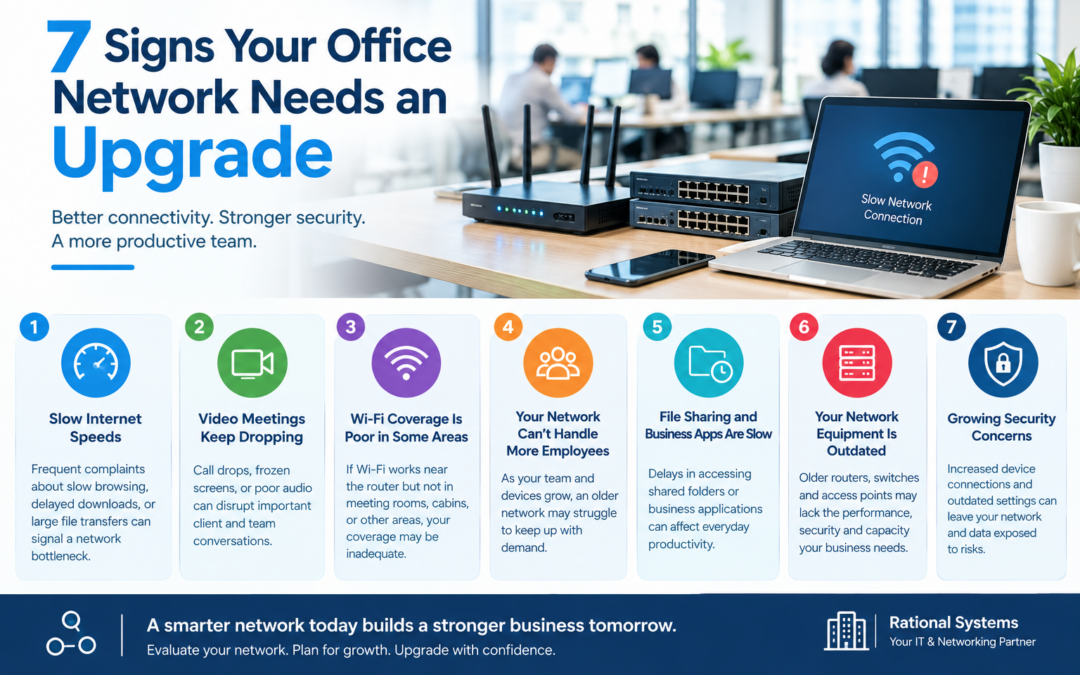
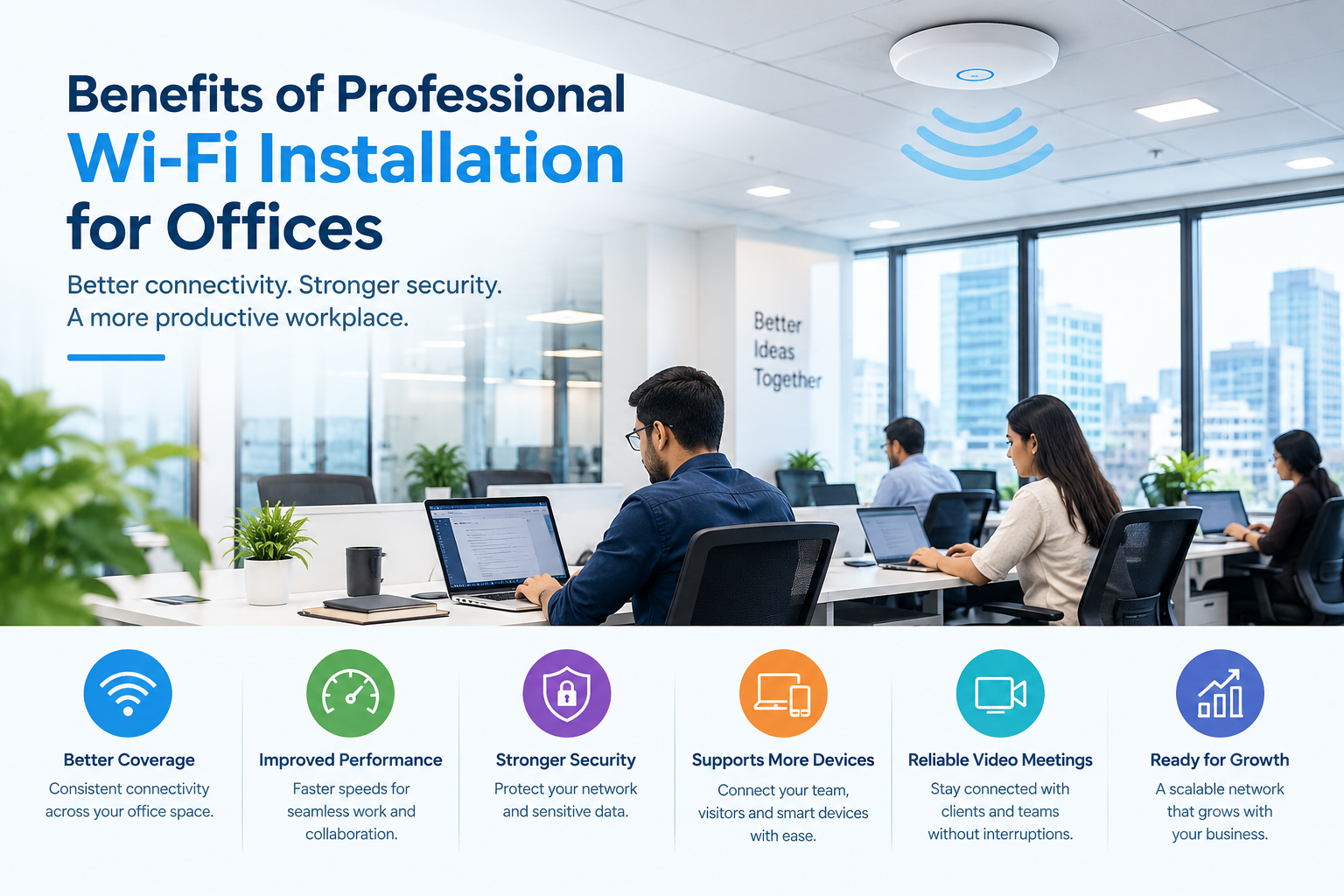
Wi-Fi signals can be affected by walls, furniture, interference, and the distance between devices and access points. A single router may not provide reliable coverage in meeting rooms, cabins, reception areas, or larger office spaces.
Professional installation begins with assessing the office layout and identifying areas where wireless signals may be weak.
Based on the assessment, suitable access points can be positioned to improve coverage and provide a more consistent connection across the workplace.
2. Improved Connectivity and Employee Productivity
Employees need dependable internet access to perform daily tasks efficiently. Frequent disconnections, slow file transfers, and interrupted video calls can waste time and disrupt collaboration.
A professionally configured network can help distribute wireless coverage appropriately and support the number of connected devices in the office.
The installation should consider bandwidth requirements, the number of users, business applications, and peak usage periods. These factors help determine whether the office needs additional access points, upgraded equipment, or a better internet plan.
3. Stronger Network Security
Office Wi-Fi connects laptops, smartphones, printers, and other business devices. Without suitable security settings, unauthorized access can expose the network to unnecessary risks.
Professional Wi-Fi installation can include important safeguards such as:
- Using modern Wi-Fi security standards supported by your equipment.
- Changing default administrator credentials.
- Setting strong passwords and appropriate access permissions.
- Creating a separate guest network for visitors.
- Keeping router and access point firmware updated.
Businesses handling sensitive information should also review network segmentation and other security controls with a qualified IT professional.
4. Support for Multiple Devices and Growing Teams
Modern workplaces often connect many devices simultaneously, including employee laptops, mobile phones, printers, smart displays, and conference room equipment.
An office network designed for a small team may struggle as the business grows.
Professional planning considers current device requirements and anticipated expansion. Suitable access points and network equipment can then be selected to support the expected workload.
This approach can help businesses scale their connectivity without relying on repeated, unplanned equipment changes.
5. More Reliable Video Meetings and Cloud Applications
Video conferencing, cloud-based software, and online collaboration tools require dependable connectivity.
Poor Wi-Fi performance can result in frozen video calls, delayed file synchronization, and interrupted access to business applications.
A well-designed installation considers access point placement, wireless interference, network congestion, and traffic management where supported. Wired connections for stationary equipment may also help improve reliability.
Actual performance will depend on the internet connection, hardware, building conditions, and network configuration.
6. Easier Network Management and Troubleshooting
A properly planned office Wi-Fi setup is easier to document, monitor, and maintain than a collection of independently configured routers and access points.
Depending on the equipment, centralized management tools can help IT teams monitor connected devices, review network performance, update configurations, and investigate connectivity issues.
Regular maintenance can further help identify coverage problems, outdated firmware, and capacity limitations before they become persistent disruptions.
How to Choose the Right Office Wi-Fi Solution
Before installing or upgrading your network, consider your office floor plan, number of employees, connected devices, internet speed, security requirements, and future expansion plans.
Ask your service provider whether the installation includes a site assessment, access point placement, secure configuration, performance testing, documentation, and ongoing support.
For businesses in Delhi NCR, choosing a solution that accommodates both current operations and future growth can help make the investment more practical.
Conclusion
Professional office Wi-Fi installation can improve wireless coverage, support business applications, strengthen network security, and make connectivity easier to manage. The right solution depends on your workplace layout, user requirements, and existing infrastructure.
By investing in a properly planned network, businesses can build a more dependable foundation for everyday operations and future growth.
Looking for reliable office Wi-Fi installation?
Rational Systems can help your business explore networking and IT support solutions suited to its requirements. Visit rational.co.in to learn more about our services and discuss your office connectivity needs.
Build a reliable office network that helps your team stay connected and productive.