Table of Contents
Every business depends on data to operate smoothly. From customer records and invoices to financial reports, employee information, and project files, important business data supports daily operations and decision-making.
But what happens if your files are accidentally deleted, your computer fails, or a cyberattack makes your data inaccessible?
Without a reliable backup, recovering that information can be difficult, expensive, and time-consuming. This is why business data backup solutions are an essential part of a company’s IT strategy, whether you run a small office, a growing startup, or an established organisation in Delhi NCR.
What Is Business Data Backup?
Data backup is the process of creating additional copies of important digital information so it can be restored if the original data is lost, damaged, or compromised.
Depending on your business requirements, backups can be stored on external drives, dedicated backup systems, secure cloud platforms, or a combination of these options.
A well-planned backup strategy helps ensure that critical information remains recoverable when unexpected problems occur.
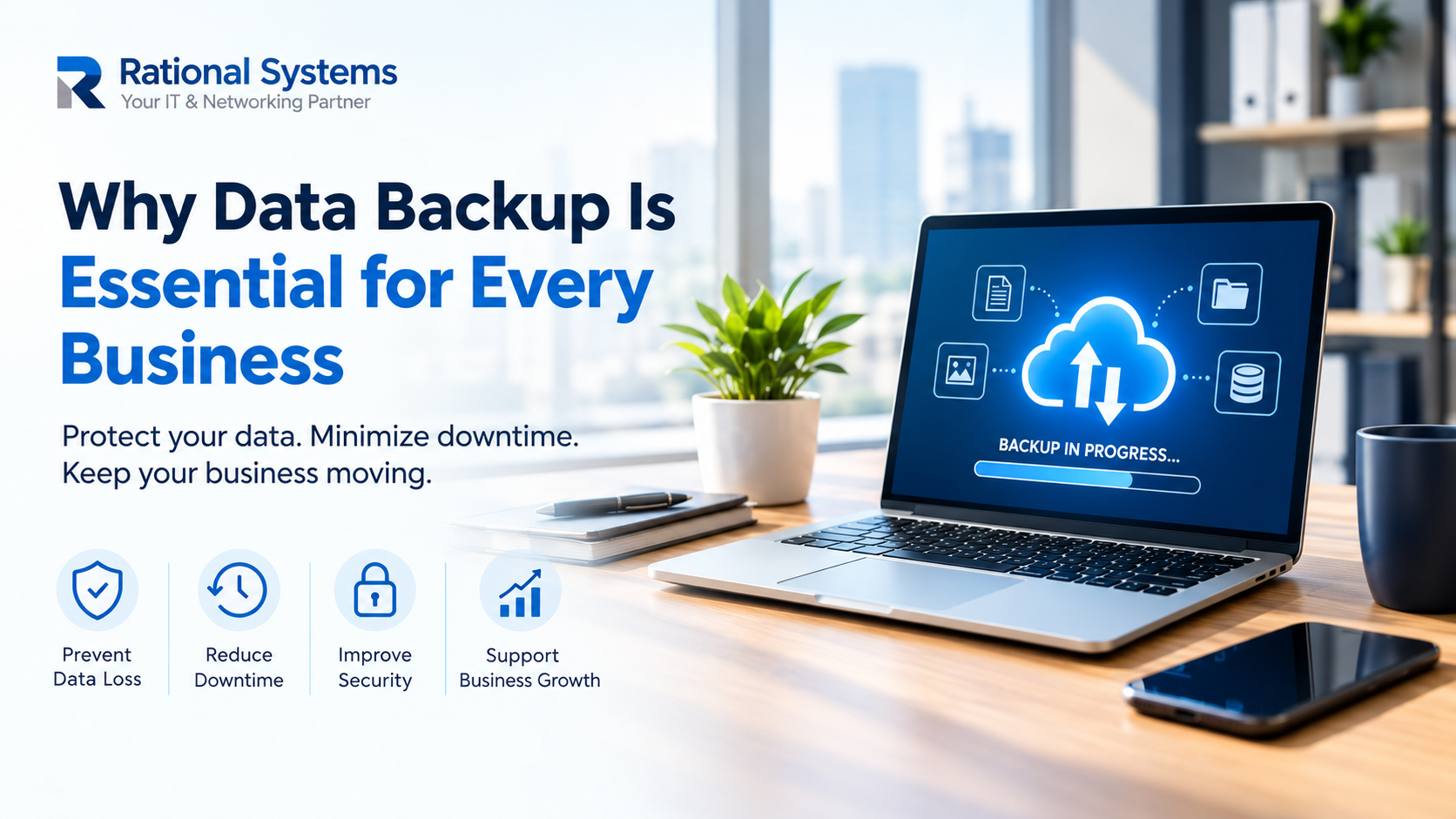
5 Reasons Every Business Needs Regular Data Backups
1. Protection Against Accidental Data Loss
Employees may accidentally delete files, overwrite documents, or make changes that cannot easily be reversed. Hardware failures can also make important information inaccessible.
Regular backups give businesses a way to recover previous copies of essential files and reduce disruption.
2. Better Preparedness for Cyberattacks
Ransomware and other cyber threats can encrypt or damage business data. Backups can support recovery without relying entirely on affected systems.
However, backups should not be treated as a complete cybersecurity solution. Use access controls, endpoint protection, multi-factor authentication, and isolated or immutable backup copies where appropriate.
3. Reduced Business Downtime
Missing customer records, financial documents, or operational files can interrupt everyday work. Reliable backups help teams restore essential information and resume operations more efficiently after a data-loss incident.
4. Protection for Important Business Records
Invoices, contracts, tax documents, customer information, and project files may be important for ongoing operations and recordkeeping. Backing up these records helps protect business continuity and supports recovery when files become unavailable.
Businesses should also establish appropriate retention periods and access permissions for sensitive information.
5. Support for Business Growth
As companies expand, they often manage more employees, devices, applications, and digital records. A scalable backup strategy can accommodate this growth without requiring businesses to redesign their entire approach every time their needs change.
How to Choose the Right Business Data Backup Solutions
The right backup approach depends on your company’s size, budget, security requirements, and the importance of its data.
Consider these practical steps:
- Identify critical data: List the files, databases, applications, and systems that your business cannot afford to lose.
- Automate backups: Schedule regular backups to reduce dependence on manual processes.
- Follow the 3-2-1 backup rule: Keep three copies of important data, on two different types of storage, with one copy stored off-site. Adapt the approach to your business needs.
- Test restoration regularly: A backup is useful only if the data can be recovered successfully.
- Restrict backup access: Protect backup accounts and systems with strong authentication and appropriate permissions.
- Define recovery priorities: Decide how quickly key systems must be restored and how much recent data your business can afford to lose.
Protect Your Business Data with Rational Systems
Data loss can affect productivity, customer service, and business continuity. A planned backup strategy helps businesses prepare for unexpected disruptions instead of scrambling to recover important files after an incident.
Rational Systems helps businesses explore IT infrastructure, data protection, and backup approaches suited to their operational requirements.
If your organisation needs to review its existing backup process or plan a more reliable solution, contact Rational Systems to discuss your requirements.
Don’t wait for data loss to reveal gaps in your IT strategy. Make business data backup a priority today.